Are you still wasting time searching through endless tabs just to find your favorite websites? What if your browser could put everything you need just one click away—cleaner, faster, and smarter than ever before?
Google Chrome has now rolled out updates to its bookmark bar, making it more efficient, customizable, and user-friendly.
These new features are aimed at helping users access their favorite websites more quickly while keeping the browser interface neat and organized.
Google Chrome dominates the browser market with around a 70% share, making it a key product for Google.
To maintain and grow its lead, the company continues to introduce new features and performance improvements focused on enhancing user experience.
Generally, using Chrome on Android feels just like using it on your computer. Still, there are a few minor differences, with one of the most notable being the lack of a bookmarks bar.
This feature has been part of the desktop version since Chrome’s launch, but it hasn’t made its way to Android until now.
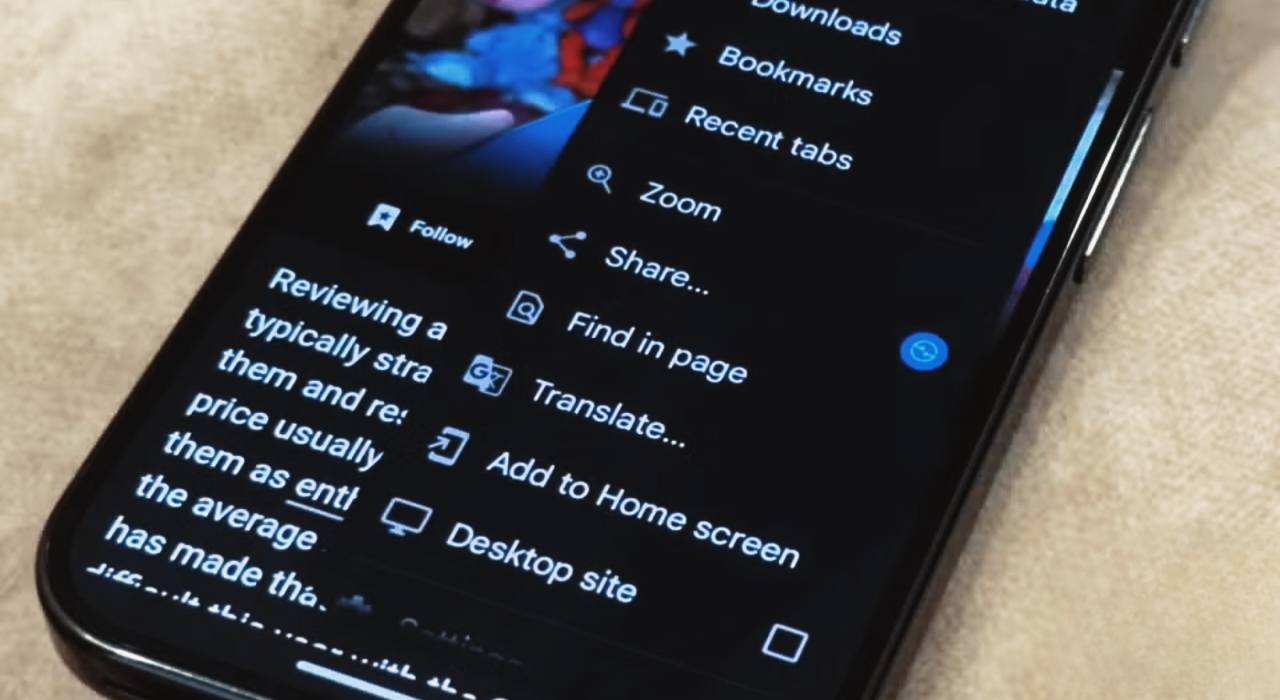
The new update brings a bookmark bar to Android, placing it just below the address bar for quick access to your favorite sites.
Fully customizable, it works just like the desktop version, making mobile browsing faster and more convenient.
This feature is currently limited to larger Android devices like tablets and foldables. To try it out, simply update to Chrome version 146 and enable it from the Settings menu.
Users can easily show or hide the bookmark bar, giving full control over screen space and a cleaner browsing experience.
How To Enable The Bookmark Bar
Head to the Appearance section in Settings and enable “Show bookmarks bar” to activate the feature instantly. Once turned on, the bar appears in your browser for quick access.
You can easily add bookmarks, organize them into folders, and even long-press any bookmark to view the full website address for better clarity.
While it may seem like a small update, it’s a major boost to everyday browsing—giving you instant access to your favorite sites without digging through menus.
Also Read | Planning To Buy iQOO Z11x 5G? Here’s The Price, Features, And Offers
Chrome’s new bookmark bar smartly trims long names and emphasizes icons, letting more bookmarks fit neatly—perfect for heavy users.
Another significant addition is enhanced customization. Users can now easily rearrange bookmarks with drag-and-drop, create folders right from the bookmark bar, and organize links in a more structured manner. This makes it easier to group related websites, like work tools, news, or entertainment.
The update also boosts visual clarity. Bookmark icons (favicons) are now more noticeable, helping users quickly identify sites without having to read full titles. This speeds up navigation and results in a cleaner browsing experience.
In short, Chrome’s updated bookmark bar boosts speed, organization, and simplicity, making browsing faster and more user-friendly.
Google Chrome’s new bookmark bar is a game-changing update that makes accessing, organizing, and managing your favorite websites faster and more intuitive than ever.Are you ready to streamline your browsing and save time?
With improved customization, seamless syncing across devices, and a cleaner interface, it enhances both productivity and everyday browsing.
Whether on desktop, tablet, or larger Android devices, do you want a more personalized, efficient, and user-friendly browsing experience? This update delivers exactly that, making it easier than ever to stay organized online.


Leave a Reply